
Draw a Skin for Mineblock with Physics


More like this
See all casual →


About Draw a Skin for Mineblock with Physics
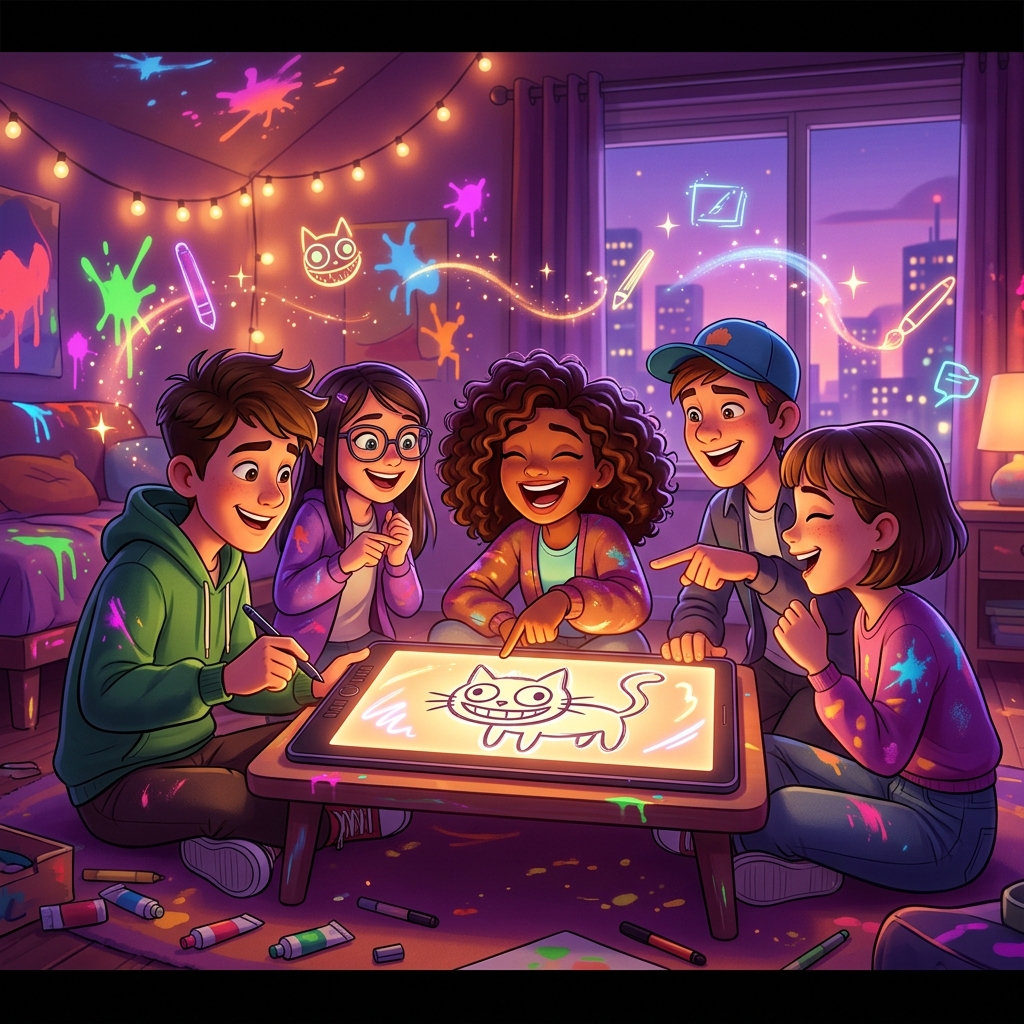
Unleash your creativity in a vibrant sandbox where designing custom skins meets explosive experimentation. Build from colorful blocks, then watch your creations come alive, dismantle them, or blow them up. Dive into a thrilling blend of creation and playful destruction!
It's a straightforward casual game that gets out of your way and lets you play. It's tuned to load fast and play smoothly whether you've got five minutes or an hour.
If you want to do well, keep this in mind: Use the auto-save if there is one. You won't lose progress closing the tab. Toggle the sound on; many casual games use audio cues to hint at the next move.
Jump into Draw a Skin for Mineblock with Physics free on Glaze Games and see how far you can get. No paywall, no install — just open it and play.
Tags and genres
How to play Draw a Skin for Mineblock with Physics
Draw a Skin for Mineblock with Physics is the perfect five-minute break. Hit Play and unwind.
- 1Click Play above to start Draw a Skin for Mineblock with Physics — it runs in the embedded window without leaving the page.
- 2The game loads in a moment — most titles are under 10 MB and start within about five seconds on a normal connection.
- 3Follow the in-game tutorial if it appears; most casual games introduce the controls in the first level.
- 4Tap the game area once so it captures your input, then go — keyboard and mouse will respond from there.
Frequently asked questions
Is Draw a Skin for Mineblock with Physics free to play?
Yes — Draw a Skin for Mineblock with Physics is free, with no hidden cost. You don't need to pay, register, or install anything; the full game loads right in your browser.
Do I need to download anything to play Draw a Skin for Mineblock with Physics?
No download needed. Draw a Skin for Mineblock with Physics plays instantly in any modern browser; there's no installer, no plugin, and no waiting beyond a quick load.
Can I play Draw a Skin for Mineblock with Physics on my phone?
Yes, but Draw a Skin for Mineblock with Physics is best played in landscape. Rotate your phone to landscape mode, or play on a tablet or laptop for the most comfortable experience.
Is Draw a Skin for Mineblock with Physics safe to play at school?
Draw a Skin for Mineblock with Physics loads from a reputable publisher and runs through Glaze Games' filtered catalog, so it's a safer alternative to random "unblocked games" sites. Whether it works depends on your school's network — if standard game domains are open, Draw a Skin for Mineblock with Physics will load.
Where can I find more games like Draw a Skin for Mineblock with Physics?
Once you've finished Draw a Skin for Mineblock with Physics, scroll down to the "More games like this" section — we surface similar titles from the same category. You can also browse the full catalog by genre from the home page.
Player reviews for Draw a Skin for Mineblock with Physics
Player reviews
Be the first to review Draw a Skin for Mineblock with Physics.


