





About Astray
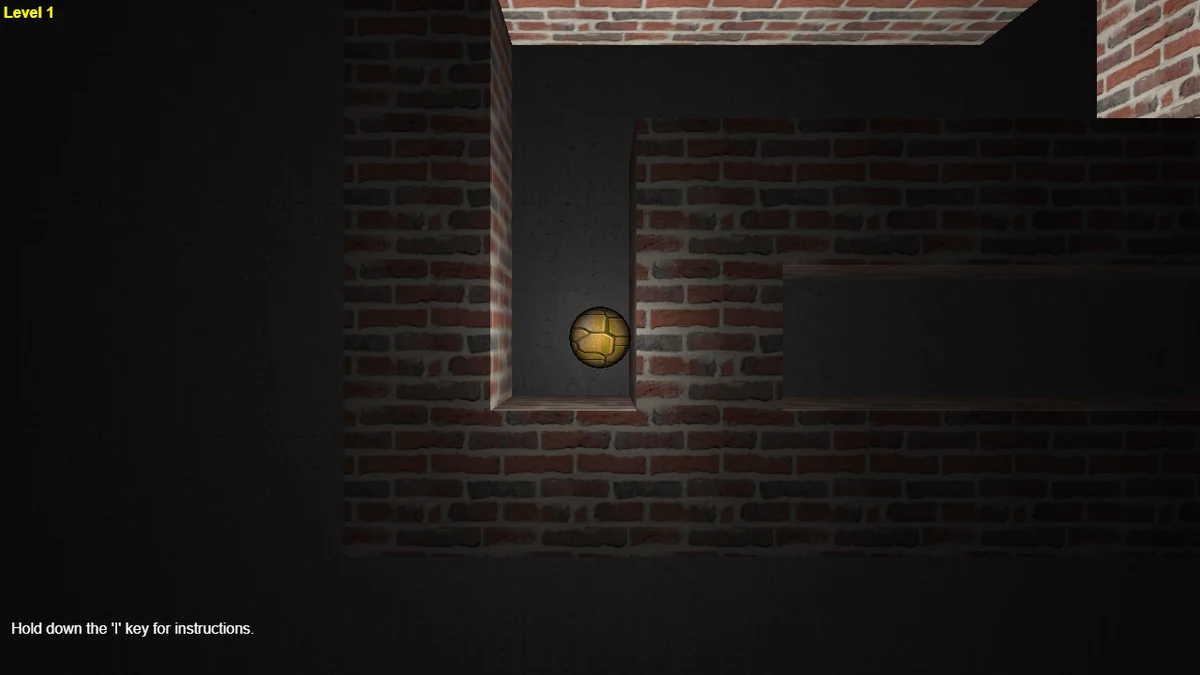
Astray is a 3D maze game. You roll a heavy metal ball through a lit brick labyrinth, and real physics means it carries momentum around corners and bounces off walls. Find the exit to move on to a bigger maze; each level adds rows and dead ends. It is calm rather than timed, which makes it a good pick for a short, focused break. Rendered with WebGL and served from our own servers with no pre-roll ad. Keyboard required. Open-source work by Rye Terrell, released into the public domain.
Expect puzzle at its core, with a streak of thinky and adventure woven through the design. Loading time and performance depend on the game, your device, and your connection.
A couple of things help once you get going: If the game offers undo, use it to compare another approach when you are stuck. If useful, take notes or a screenshot so you can compare the situation before and after a move.
Press Play to load Astray in the browser player. Allow time for the game's files and any publisher screens before starting. It comes from Rye Terrell.
Astray is a puzzle game created by Rye Terrell. Open this browser edition on Glaze Games.
- Genre
- Puzzle
- Technology
- HTML5 browser game
- Device support
- Desktop browser only
- Orientation
- landscape
- Glaze Games login
- Not needed to open player
- Publisher login
- Check game requirements
Tags and genres
How to play Astray
Fancy a brain-teaser? Open Astray in the player and follow the opening instructions.
- 1Click Play above to start Astray — it runs in the embedded window without leaving the page.
- 2Let the player finish loading its files and any publisher screens, then follow the instructions inside the game.
- 3Read any instructions on the opening screen before choosing a level or mode.
- 4Give the game window focus before using its controls. Follow the game's instructions for keyboard, mouse, or supported touch input.
Tips and strategy
- If the game offers undo, use it to compare another approach when you are stuck.
- If useful, take notes or a screenshot so you can compare the situation before and after a move.
- If the game has a hint button, save it for when you are genuinely blocked, not just slow.
- If the rules reward combos, compare their value with the other ways to make progress.
Frequently asked questions
Is Astray free to play?
Glaze Games does not charge to open Astray. The embedded publisher may show ads or offer optional purchases and account-based features.
Do I need to download anything to play Astray?
You do not need to install a separate app to open Astray here. Press Play and allow the browser player to load its files.
Can I play Astray on my phone?
This browser edition of Astray is listed for desktop play. Open it on a computer with the controls required by the game.
Can I play Astray at school?
Only where your school's rules permit it and the network allows both Glaze Games and the embedded publisher. Glaze Games cannot bypass network filters. An adult should review the game's content and ads before choosing it for children.
Who made Astray?
The catalog credits Rye Terrell for Astray. This page opens the browser edition supplied through our game catalog; check the publisher's credits for more detail.
Player reviews for Astray
Be the first to review Astray.


