

Controller games
Plug in a gamepad and play.
Most played controller games
 Level Devil 3DAction4.722M
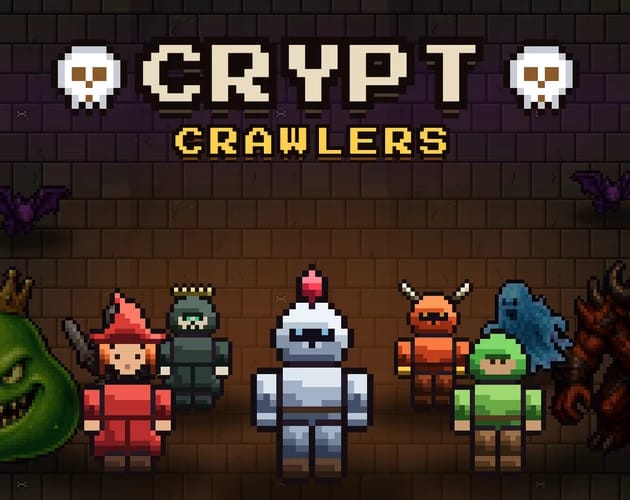 Crypt CrawlersAction
 Bus & Subway RushArcade
 Platform KidCasual
 Little Ninja DashAction
 Bloxd.ioMultiplayer4.845M
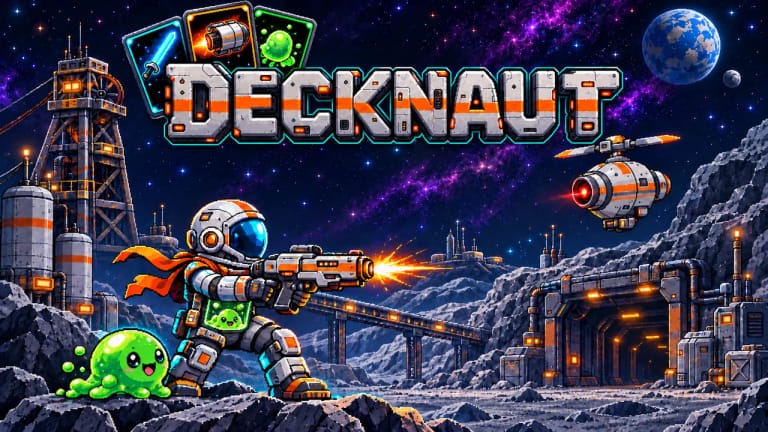 DecknautCard

 NovSky™ Beta MixArcade
 SlopeGamePuzzle
 Crowd RunnerArcade
 Ninja BuffetAction
 Survive-ish!Arcade
 Runner Coaster RaceCasual
 Capture The ChickensArcade
 Zipline Rescue Adventure Arcade
 Lazy JumperCasual
 Zipline Rescue Adventure GameCasual
 Last BackupArcade
 Parkour BossAction
 Spider Evolution RunnerArcade
 Obby - Escape Barry's Jail ParkourArcade
 Taxi Parking GamesArcade
 Hop to RescueArcade
 Gun FestArcade
 Mountain RunSports
 Stack Jump HDCasual
 Core RunArcade
 Run Ninja Casual
 Jimmys wild apple adventure Adventure
 Lows AdventuresCasual
 Fail RunArcade
 Thrilling Snow MotorAction
 Wild Wolf HunterShooting
 Helix PianoAction
 Jessie RunCasual
 Minicarft Block SurvivalAdventure
 Rogue RunnerAction
 Fireboy and Watergirl KissCasual



About Controller games
Glaze Games hosts 3,075 free Controller games you can play instantly in your browser. Plug in a gamepad and play. Titles are ad-supported and free — no download or login required.
These are games that work with a gamepad as well as a keyboard. Modern browsers support most USB and Bluetooth controllers through the Gamepad API, so plugging in an Xbox or PlayStation pad usually just works in games built for it.
Controller support matters most in platformers and runners, such as Level Devil 3D and Platform Kid, where analog movement and a comfortable grip make precise jumps easier than on a keyboard. If a controller is not detected, press a button once after the game loads so the browser registers it.
Connecting a controller
Plug in a gamepad by USB or pair it over Bluetooth, open the game, and press any button so the browser detects it. Xbox, PlayStation and most generic pads work in current versions of Chrome, Edge and Firefox on desktop.
If the controller does not respond
Click once inside the game so it has focus, then press a button again. Check the game's settings for an input option, and make sure no other program has claimed the pad. Keyboard controls stay available, so you can always fall back to them.
Questions, answered
How do I connect a controller to a browser game?
Plug it in over USB or pair it by Bluetooth, open the game, then press any button. Browsers only expose a gamepad to a page after it receives input.
Which controllers work?
Most Xbox and PlayStation controllers work in current versions of Chrome, Edge, and Firefox. Other controllers may need their button layout remapped.
Do all games support controllers?
No. This category lists games known to support a gamepad. Most other games on the site use keyboard, mouse, or touch.
Are these controller games free to play?
Yes. Every controller game on Glaze Games is 100% free to play — no purchase, no subscription, and no account required.