
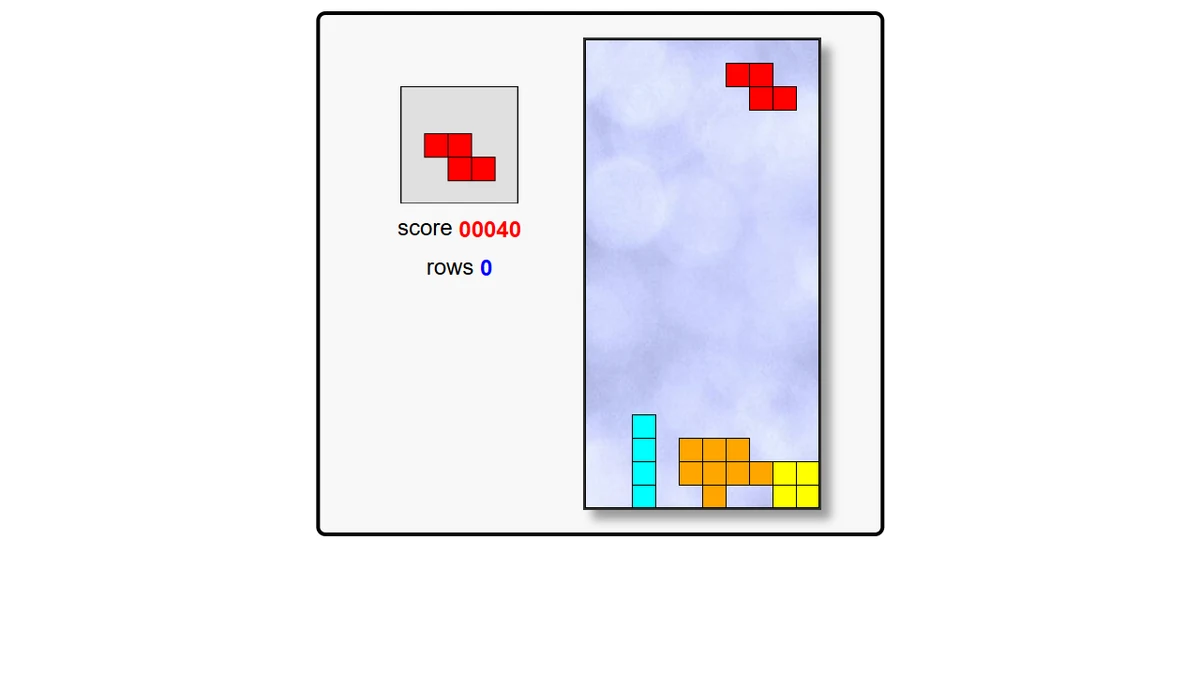





About Block Drop
Block Drop is the falling-block puzzle in its purest form. Shapes of four squares fall into a narrow well; slide and rotate each one so it locks into place, and complete a full horizontal row to clear it and score. Pieces fall faster as your cleared-row count climbs, and the next piece is always previewed so you can plan a move ahead. The game ends when the stack reaches the top. It runs from our own servers with no pre-roll ad or third-party loader. Keyboard required. Open-source work by Jake Gordon, MIT licensed.
Fans of puzzle will feel at home, and the classic and arcade elements give it extra range. Check the opening instructions for the controls supported by this browser edition.
Two quick pointers before you dive deep: If the rules reward combos, compare their value with the other ways to make progress. If useful, take notes or a screenshot so you can compare the situation before and after a move.
Open Block Drop in the browser player on Glaze Games. Check the game's own instructions for supported controls and modes. Developed by Jake Gordon.
Block Drop is a puzzle game created by Jake Gordon. Open this browser edition on Glaze Games.
- Genre
- Puzzle
- Technology
- HTML5 browser game
- Device support
- Desktop browser only
- Orientation
- landscape
- Glaze Games login
- Not needed to open player
- Publisher login
- Check game requirements
Tags and genres
How to play Block Drop
Fancy a brain-teaser? Open Block Drop in the player and follow the opening instructions.
- 1Press the Play button above to launch Block Drop in the embedded player.
- 2Wait for the game's opening screen before starting. Loading time varies by game and connection.
- 3If a short how-to appears, read it before starting your first round.
- 4Click or tap anywhere on the game canvas to give it focus before you start using the keyboard.
Tips and strategy
- If the rules reward combos, compare their value with the other ways to make progress.
- If useful, take notes or a screenshot so you can compare the situation before and after a move.
- Read the puzzle objective before making your first move.
- If the game offers undo, use it to compare another approach when you are stuck.
Frequently asked questions
Is Block Drop free to play?
You can open Block Drop without paying Glaze Games. Check the game's own screens for any publisher ads, optional purchases, or account requirements.
Do I need to download anything to play Block Drop?
The browser edition of Block Drop loads on this page. Use a browser supported by the game and allow time for its files to load.
Can I play Block Drop on my phone?
This browser edition of Block Drop is listed for desktop play. Open it on a computer with the controls required by the game.
Can I play Block Drop at school?
Only where your school's rules permit it and the network allows both Glaze Games and the embedded publisher. Glaze Games cannot bypass network filters. An adult should review the game's content and ads before choosing it for children.
Who made Block Drop?
The catalog credits Jake Gordon for Block Drop. This page opens the browser edition supplied through our game catalog; check the publisher's credits for more detail.
Player reviews for Block Drop
Be the first to review Block Drop.


