





About Fish Tank Plus
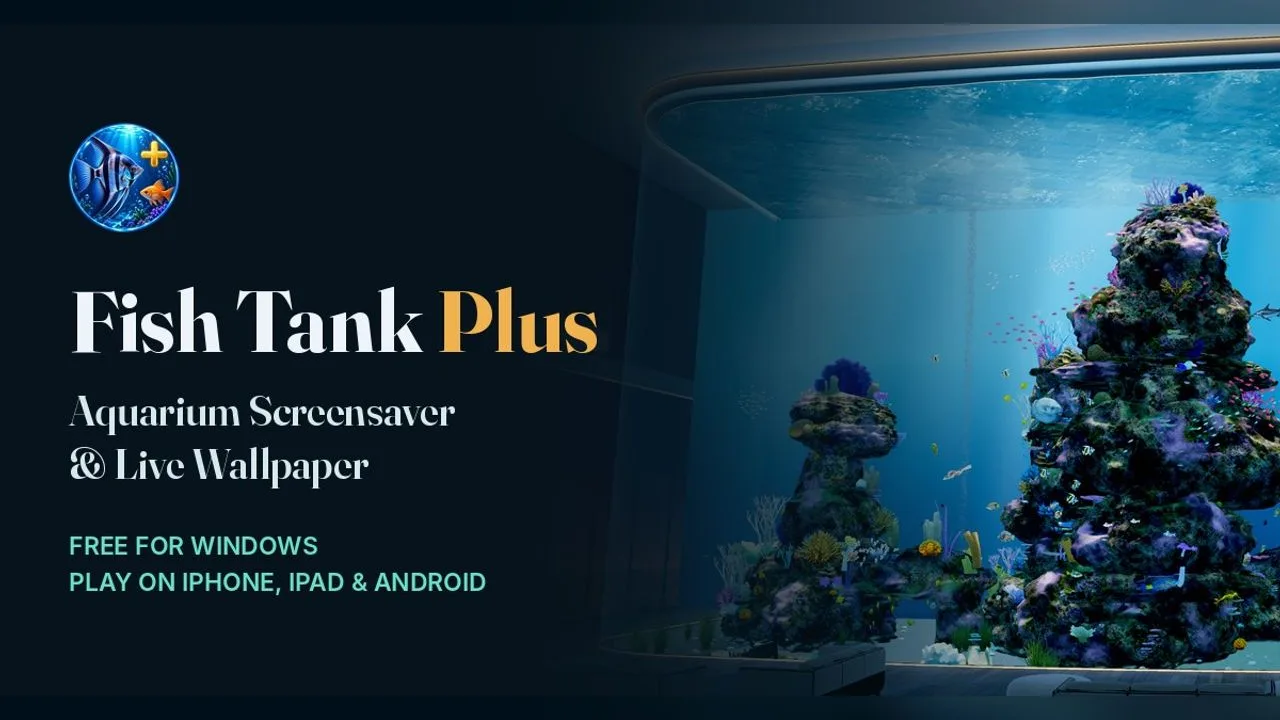
Fish Tank Plus is a 3D aquarium from Technology 83 that runs in a browser tab. A long glass tank holds a coral reef with schools of fish, swaying plants and an octopus that comes out of his cave. There is nothing to win. The Feed button drops food and the fish gather to eat, and feeding counts toward a bonus fish stick, the game's small collectible.
The menu is where the tank becomes yours. You can change how many fish there are, how fast they swim, the brightness, the light rays and the bubbles. There are six camera angles, from an angled gallery view to straight on and reef level, and you can also click the aquarium or swipe to change perspective. Graphics can adapt automatically or be set for performance or detail, with a frame-rate cap and a fullscreen option. Optional 3D viewing shifts the picture with phone tilt or camera tracking. No login is needed.
Fish Tank Plus is a simulation game created by Technology 83. Open this browser edition on Glaze Games.
Game specifications
- Genre
- Simulation
- Released
- Nov 2026
- Technology
- HTML5 browser game
- Device support
- Check game controls
- Orientation
- landscape
- Glaze Games login
- Not needed to open player
- Publisher login
- Check game requirements
How to play Fish Tank Plus
Watch a 3D reef aquarium in your browser, feed the fish when you feel like it, and change the view or the lighting to suit you.
Let the aquarium load, then just watch.
Press Feed in the corner to drop food for the fish.
Click the aquarium or swipe to move to another camera angle.
Open the menu in the top corner to change fish, lighting and graphics.
Choose Fullscreen in the menu to use it as a screensaver.
Tips and strategy
- Pick the Performance graphics setting on an older laptop or a phone.
- The Immersive front glass view fills the screen best in fullscreen.
- Turn the fish amount down if the tank feels busy, or up for a fuller reef.
- In fullscreen, press Enter or Space to bring the settings back.
Frequently asked questions
Is there a goal in Fish Tank Plus?
No. It is a relaxing aquarium to watch. Feeding the fish and collecting fish sticks are optional.
Does Fish Tank Plus need a login?
No. You can optionally pick a name to save your fish sticks, with no email or password.
Will it run on a phone?
Yes. The graphics adapt automatically to phones, tablets and older computers.
Does it use my camera?
Only if you turn on camera tracking for the optional 3D view. It is off by default.
Player reviews for Fish Tank Plus
Be the first to review Fish Tank Plus.


