




About BeatCombo
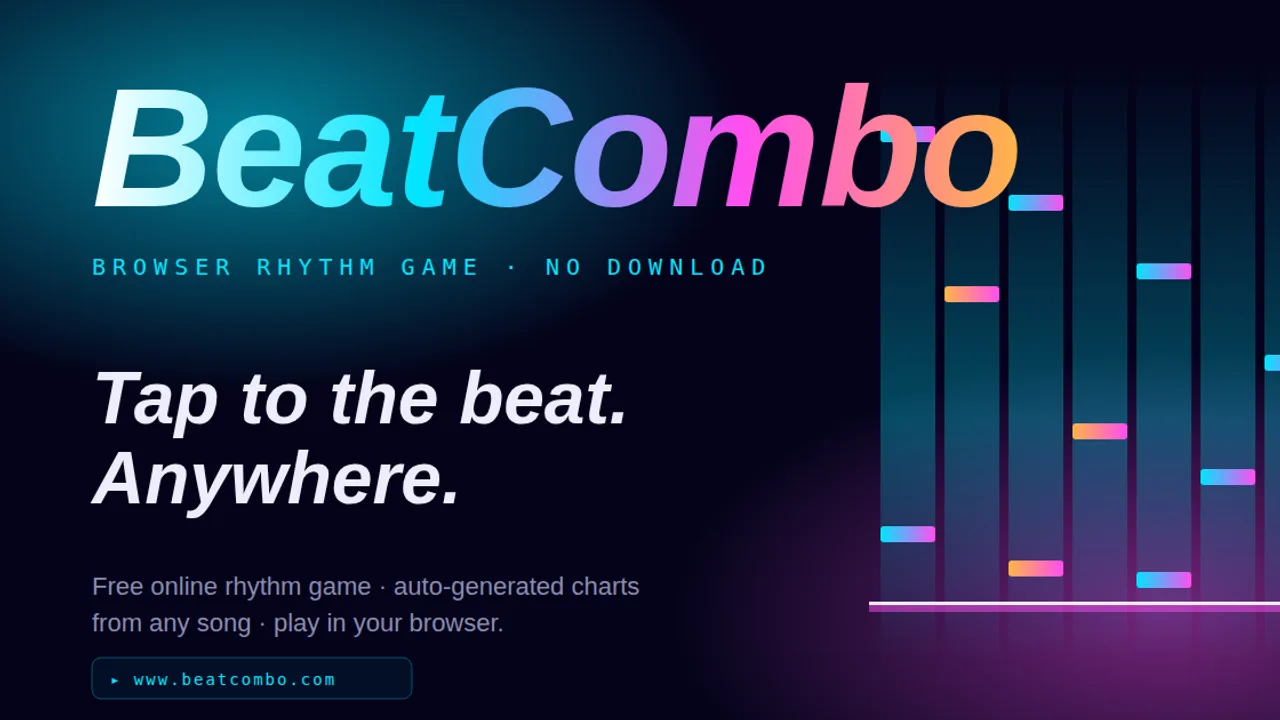
BeatCombo is a free seven-key rhythm game from ZentaoLabs that runs in the browser. Notes scroll down seven lanes and you press the matching key as each one reaches the line: S, D, F, Space, J, K and L from left to right. Some notes are holds, and every clean hit adds to your combo. There are four difficulty presets: Beginner, Easy, Normal and Hard.
What sets it apart is the chart maker. Drop in an MP3, OGG, WAV or M4A file and the game detects the tempo and the hits, then builds playable charts from your song. The file is analysed in your browser and only leaves your computer if you choose to publish the chart. You can also play tracks other players have uploaded and compete on a leaderboard for each chart. Playing needs no account; uploading charts and saving scores does. It is built for a keyboard, so it is desktop only.
BeatCombo is a arcade game created by ZentaoLabs. Open this browser edition on Glaze Games.
Game specifications
- Genre
- Arcade
- Released
- Nov 2026
- Technology
- HTML5 browser game
- Device support
- Desktop browser only
- Orientation
- landscape
- Glaze Games login
- Not needed to open player
- Publisher login
- Check game requirements
How to play BeatCombo
Pick a track, watch notes fall down seven lanes and hit S, D, F, Space, J, K and L in time to keep your combo alive.
Open the library and choose a track, or drop in your own audio file to generate a chart.
Pick a difficulty. Beginner is the gentlest.
Rest your fingers on S, D, F, Space, J, K and L.
Press each key as its note reaches the line, and hold for the long notes.
Finish the song to see your score and your place on that chart's leaderboard.
Tips and strategy
- Use three fingers of each hand on S D F and J K L, and a thumb on Space.
- Start on Beginner to learn which lane belongs to which key before you speed up.
- Songs with a steady, clear beat make the cleanest generated charts.
- Watch the line, not the top of the screen. Your eyes should sit where the notes land.
Frequently asked questions
Can I play BeatCombo on a phone?
Not properly. It is designed for a keyboard, so use a laptop or desktop.
Which audio files can I turn into a chart?
MP3, OGG, WAV and M4A. They are processed in your browser and stay on your computer unless you publish the chart.
Do I need an account for BeatCombo?
Not to play. You only need one to upload charts, save scores or appear on leaderboards.
Who chooses the songs in the library?
The library is made of tracks uploaded by players, and ZentaoLabs moderates it.
Player reviews for BeatCombo
Be the first to review BeatCombo.